
Your cart is currently empty!
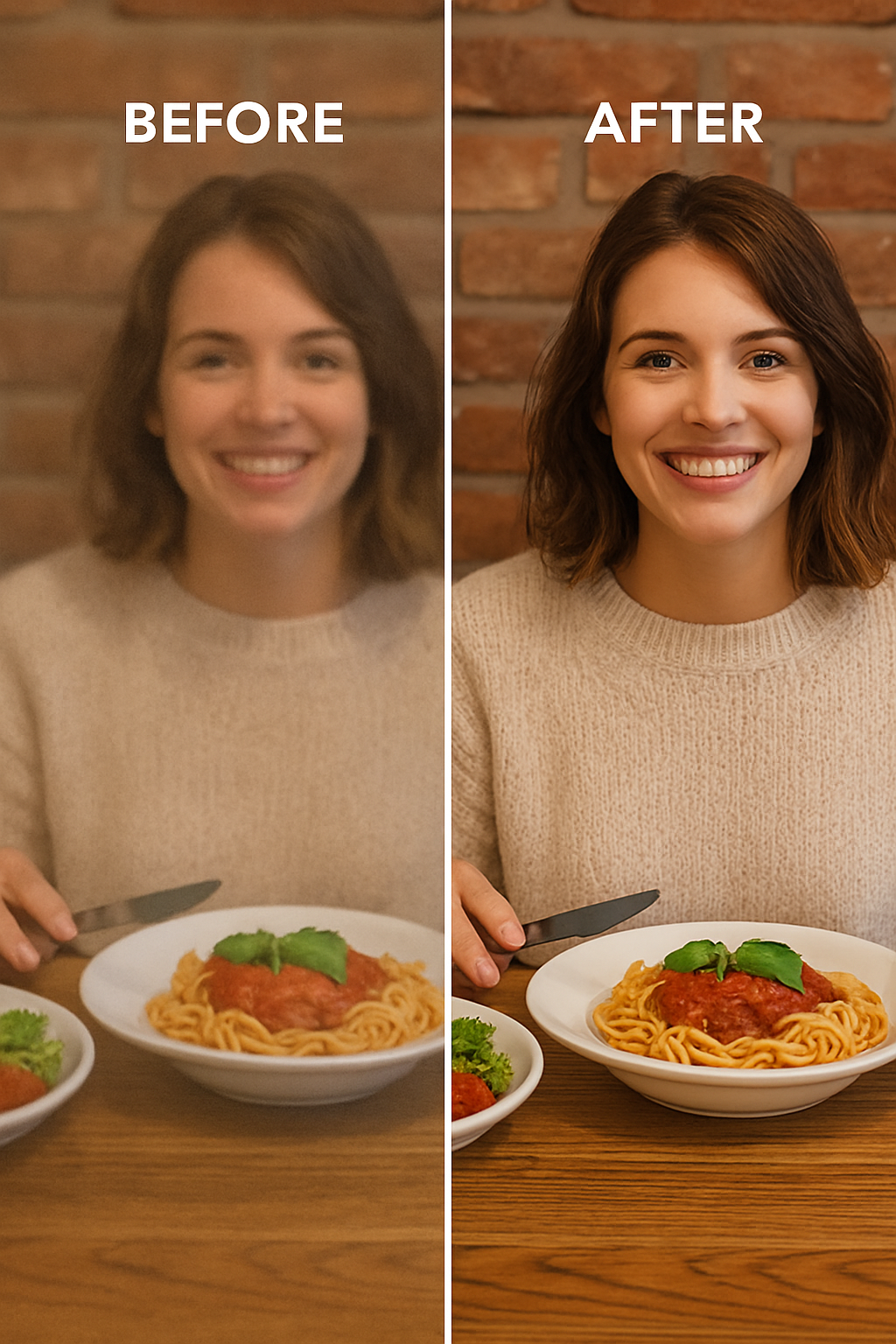
HD Quality Boost Tutorial
49,00 €
This course teaches you how to maximize video quality by mastering the right settings and workflows at every stage—from filming to exporting—so your videos look perfect on any platform or software.If you have any questions, feel free to contact us — we’re always happy to help!
Description
This course teaches you how to maximize video quality by mastering the right settings and workflows at every stage—from filming to exporting—so your videos look perfect on any platform or software.
Course Outline: How to Achieve High-Quality Video from Capture to Final Export
-
Recording Video with OBS from Livestream Highlights
-
How to properly capture livestream highlights using OBS
-
Best OBS settings for high-quality video capture (resolution, bitrate, encoder settings)
-
Tips for capturing smooth and clear footage from livestreams
-
-
Video Sequence Settings and General Workflow
-
Recommended timeline settings (frame rate, resolution, aspect ratio)
-
Organizing your footage and sequences for smooth editing
-
Matching project settings to your source footage for best quality
-
-
Additional Settings for Optimal Video Quality
-
Camera and recording settings that influence final quality
-
Export settings: codecs, bitrates, container formats
-
Color space, gamma, and color profile settings
-
Audio settings to complement high-quality video
-
-
Tools and Techniques for Video Upscaling
-
Overview of popular AI and traditional video upscaling tools (free ones)
-
How to prepare video for upscaling
-
Best practices for upscaling while preserving details and minimizing artifacts
-
-
Finalizing and Exporting the Video
-
Export settings tailored for different platforms (YouTube, social media, professional delivery)
-
Compression best practices to retain quality while managing file size
-
Quality checks and troubleshooting before final delivery
-
Related

Awesome Service
Feel free to ask anything
High-Quality Templates
Make assets that solve real problems
Adobe After Effects is one of the most powerful motion graphics tools on the market. But building animations from scratch takes time, skill, and experience. That’s where After Effects templates shine.
Trusted by 2k+ Users Worldwide
Full HD & 4K
Your templates come in crisp HD or even 4K resolution
Lightweight Files
templates are optimized for fast performance, even on average devices
It’s responsive
Files also can be downloaded and edited directly on your smartphone
Growing user base
A short explanation about the service you can offer to your future clients.
Professional Design
Cost-effective way to access studio-grade animation